In today’s fast-paced digital landscape, the speed and performance of your website can make or break your online presence. A slow-loading website frustrates users, increases bounce rates, and negatively impacts your search engine rankings. Conversely, a fast and efficient site provides a better user experience and improves your chances of converting visitors into loyal customers.
Why Website Speed Matters
- User Experience: Visitors expect websites to load quickly. Research shows that 53% of users abandon a website if it takes more than three seconds to load.
- SEO Rankings: Search engines like Google prioritize fast-loading websites in their ranking algorithms, meaning a slow site could hurt your visibility.
- Conversions and Revenue: Faster websites lead to better engagement and higher conversion rates, directly impacting your bottom line.
Tips to Improve Website Speed and Performance
1. Optimize Images
Images often account for the bulk of a website’s loading time. By compressing and resizing images, you can significantly reduce page weight without compromising quality.
How to do it:
- Use tools like TinyPNG or ImageOptim to compress images.
- Serve images in next-gen formats like WebP for better efficiency.
- Use responsive images to ensure the right size loads for the user’s device.
2. Minimize HTTP Requests
Each element on your website (images, scripts, CSS) requires an HTTP request. The more requests your site makes, the slower it loads.
How to fix it:
- Combine CSS and JavaScript files to reduce the number of requests.
- Remove unnecessary plugins or scripts.
- Use asynchronous loading for JavaScript.
3. Enable Browser Caching
Browser caching allows users to store certain elements of your website on their devices so they don’t have to reload everything on repeat visits.
Steps to enable caching:
- Use a caching plugin (like WP Rocket for WordPress).
- Set expiration times for cached resources (e.g., a week for static assets).
4. Leverage Content Delivery Networks (CDNs)
CDNs distribute your website’s content across multiple servers worldwide, ensuring users load your site from the server nearest to their location.
Benefits:
- Faster loading times for global users.
- Reduced server load and improved reliability.
5. Use GZIP Compression
GZIP compression reduces the size of your HTML, CSS, and JavaScript files, speeding up load times.
How to implement:
- Enable GZIP via your web server or use a plugin if you’re on a CMS like WordPress.
6. Optimize Your Code
Unoptimized code can slow down your site. Cleaning up your HTML, CSS, and JavaScript improves performance.
Best practices:
- Remove unnecessary white spaces and comments in your code.
- Minify CSS, JavaScript, and HTML files.
- Use lightweight themes and templates.
7. Reduce Server Response Time
A slow server can drag down your site’s speed no matter how optimized the frontend is.
What to do:
- Choose a reliable hosting provider with high-performance servers.
- Opt for managed hosting if you don’t have the technical expertise.
8. Use Lazy Loading
Lazy loading ensures that images and other elements only load when they’re visible to the user, improving initial load times.
How to enable:
- Use plugins like LazyLoad (for WordPress).
- Implement lazy loading manually through JavaScript.
9. Monitor and Test Regularly
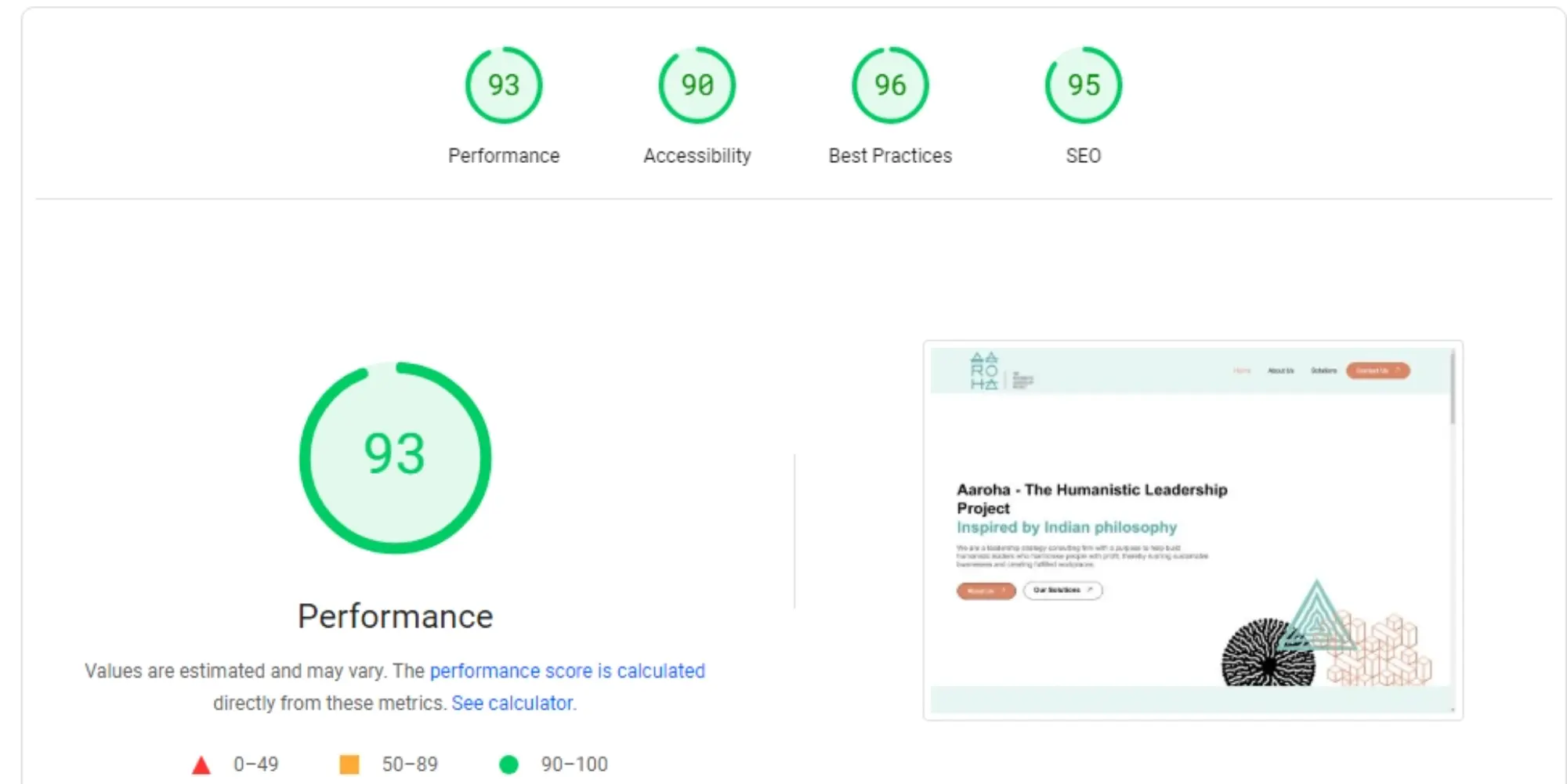
You can’t fix what you don’t measure. Regular testing helps identify speed bottlenecks and areas for improvement.
Tools to use:
- Google PageSpeed Insights.
- GTmetrix.
- Pingdom Website Speed Test.
How Okrish Can Help You Optimize Website Speed and Performance
At Okrish™, we specialize in creating fast, responsive, and high-performing websites that keep users engaged and boost business growth. Here’s how we can assist:
- Professional Website Audit: We conduct a comprehensive performance audit of your site to identify speed and optimization issues.
- Image Optimization Services: Our team ensures all images on your site are compressed, resized, and formatted for optimal performance without losing quality.
- Code Optimization: We clean up your HTML, CSS, and JavaScript files, removing unnecessary elements and minifying code for faster load times.
- Hosting and Server Support: We guide you in selecting the best hosting solutions tailored to your needs, ensuring quick server response times and reliable uptime.
- CDN and Caching Implementation: Our experts configure CDNs and caching systems to ensure your site loads quickly for users across the globe.
- Custom Development Solutions: Whether it’s lazy loading, asynchronous script loading, or lightweight theme development, we implement tailored strategies to improve your website’s performance.
- Ongoing Monitoring and Support: With regular monitoring and performance optimization, we ensure your website continues to run at peak efficiency.
The Benefits of Working with Okrish
- Data-Driven Results: We use analytics and tools to measure and optimize every aspect of your site’s performance.
- Customized Solutions: Our services are tailored to meet your business’s unique needs and goals.
- Expert Team: Our team of experienced developers and digital strategists ensures high-quality results.